

Pair the Hub
Pairing the hub is the bridge between your downrange hardware and the Shot Insights app on your phone.
Before you pair
Section titled “Before you pair”- Keep the hub near your phone.
- Make sure Bluetooth is on for your phone.
- Allow Bluetooth and Location for Shot Insights.
- Wait for the blue/cyan hub light that shows it is ready for your phone.
If you have already declined access on your phone, follow Permissions and location and then come back here.
Pairing steps
Section titled “Pairing steps”- Slide the hub onto the mounted hub key to power it on.
- Open Shot Insights near the hub.
- Let the app connect to the hub automatically when it appears.
- In the adoption prompt, select the hub, then tap Done.
- Wait for the hub to stay connected and get a GPS-ready status.
When pairing succeeds
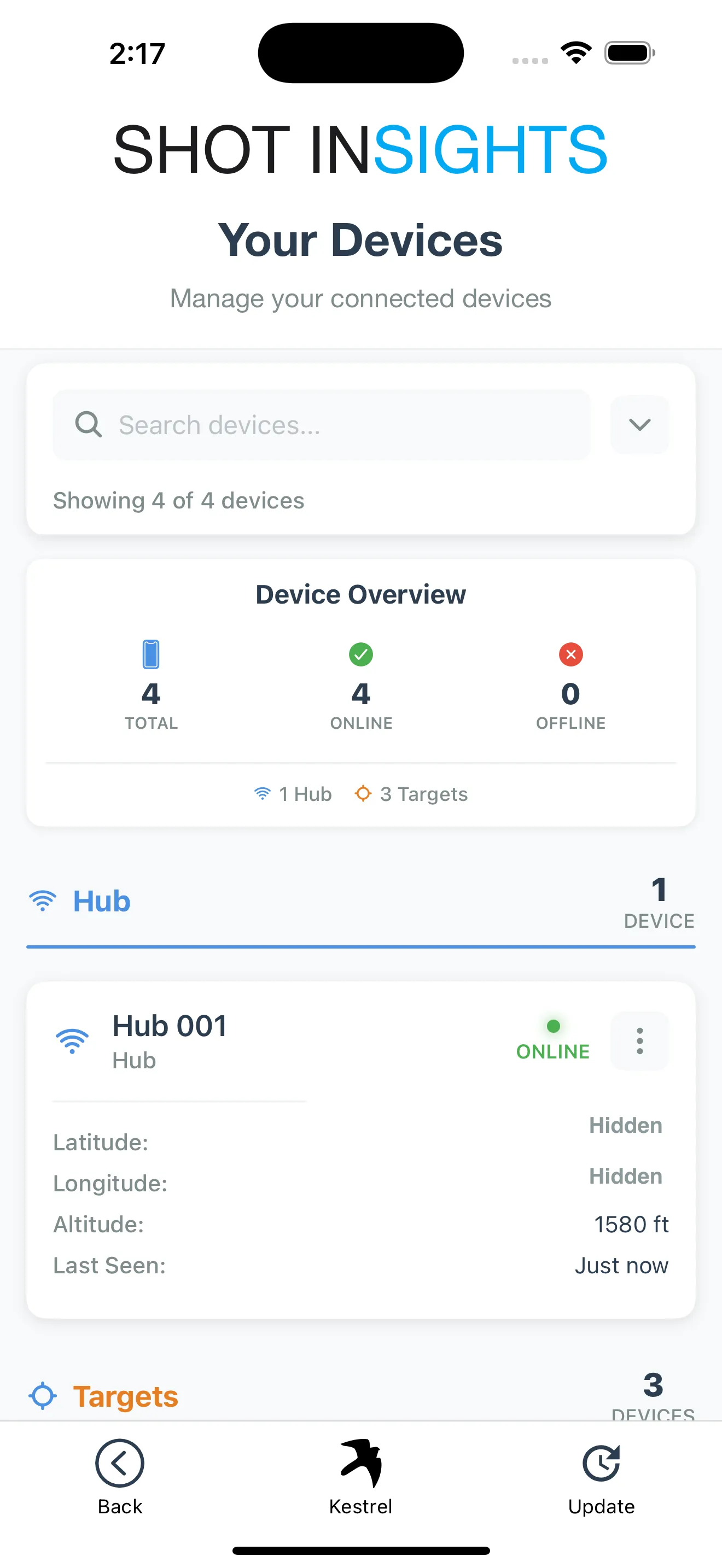
Section titled “When pairing succeeds”Once the hub is connected and has a GPS fix, Range unlocks. You are ready to add or confirm targets and move on to ranging.
Next steps:
If the hub does not connect
Section titled “If the hub does not connect”- Move the hub closer to your phone.
- Confirm Shot Insights still has Bluetooth permission.
- If the Bluetooth icon on the home screen is black, tap it to rescan.
- Close and reopen the app if the scan does not restart.
- Confirm the hub is not already connected to another phone nearby.
- Recheck the hub light status.
If it still does not reconnect, use ShotCaller troubleshooting.
Help improve these docs
With your permission, we use Google Analytics cookies to understand which guides are useful. Analytics is optional. You can change your choice in Analytics preferences at any time. Privacy policy