

Bullet Library
The Bullet Library is a reference list of known bullets you can browse by manufacturer and caliber. Use it to look up a bullet’s details or confirm your load is listed, whether or not you are about to start a profile.
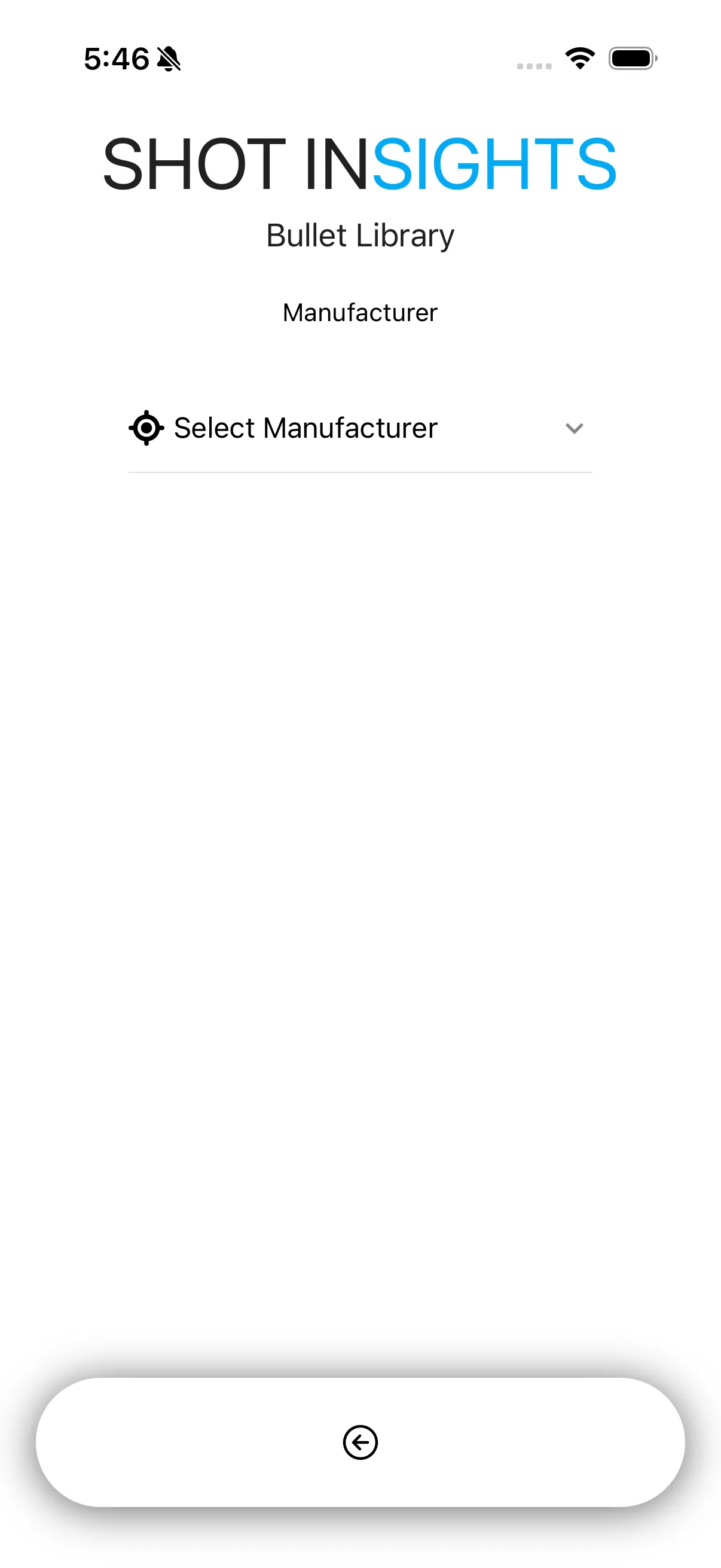
Browse the library
Section titled “Browse the library”- Open Ballistics and start a new profile.
- Choose Bullet Library.
- Pick a manufacturer.
- Narrow the list by caliber.
- Look through the bullets listed for that caliber to find or confirm your load.
Search for the sample load
Section titled “Search for the sample load”For the worked example used across these docs, look for:
- Hornady
- 0.264 (6.5mm)
- 147gr ELD-M
Using what you find
Section titled “Using what you find”Browsing the library on its own is useful for checking whether a bullet is listed or comparing its published data against your own notes. When you are ready to build a profile from a bullet you found here, follow Create from Bullet Library, which picks up right where this page leaves off.
- Match the bullet exactly when you can.
- Use the library as a reference, then confirm the values against your own rifle and load.
- If your exact load is not listed, use Create a Simple Profile or Create an Advanced Profile.
Help improve these docs
With your permission, we use Google Analytics cookies to understand which guides are useful. Analytics is optional. You can change your choice in Analytics preferences at any time. Privacy policy