

Create from Bullet Library
This is the fastest way to build a new profile. Shot Insights fills in the bullet details for you so you only need to confirm the profile name, zero, and any rifle-specific values. If you just want to look up or compare a bullet without creating a profile yet, see Bullet Library instead.
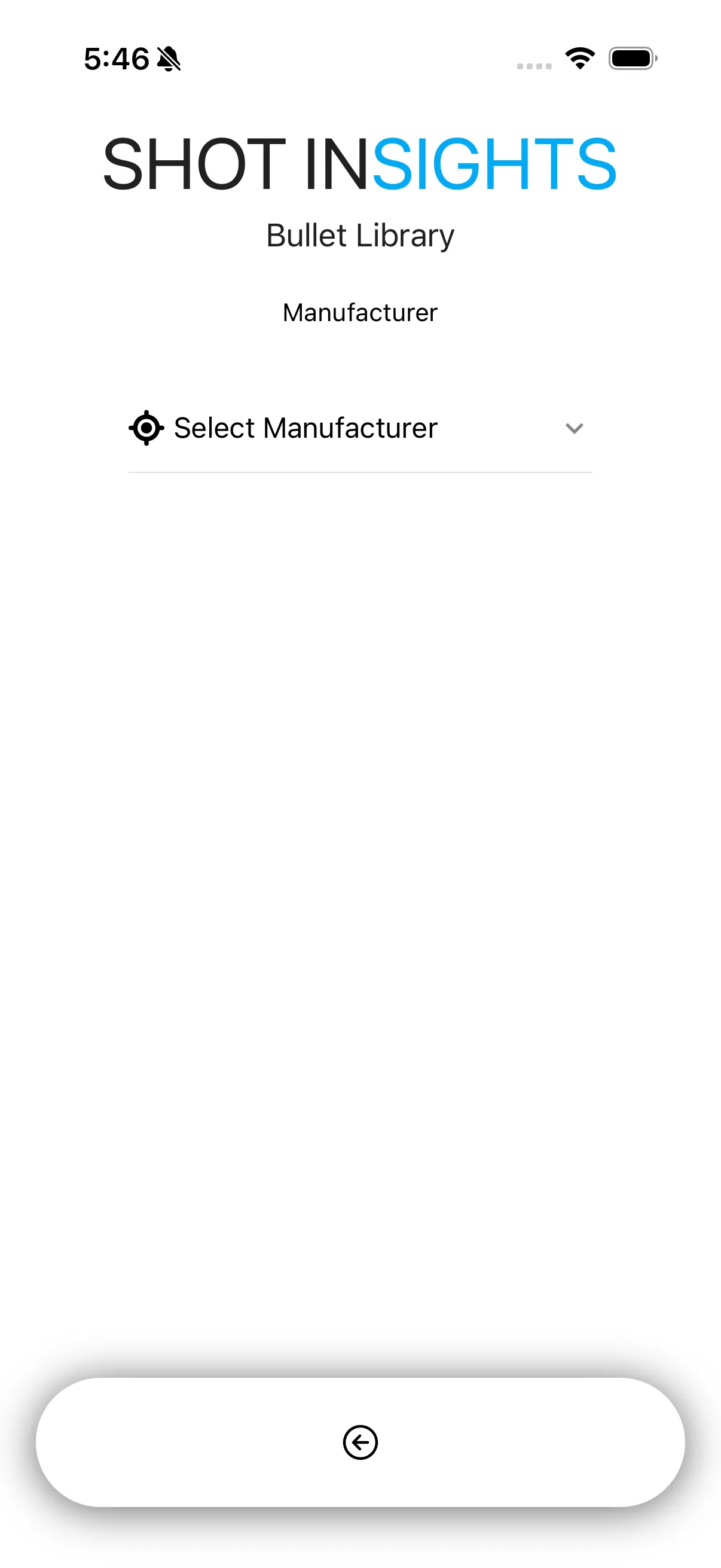
Worked walk-through
Section titled “Worked walk-through”Use this path for Hornady 6.5 Creedmoor 147gr ELD-M to keep your first profile simple and consistent.
- Open Ballistics and start a new profile.
- Choose Bullet Library.
- Select Hornady.
- Choose 0.264 (6.5mm).
- Select 147gr ELD-M.
- Review the generated profile and name it 6.5 Creedmoor - 147gr ELD-M (from Library).
- Confirm the caliber is 6.5 Creedmoor.
- Set your Zero Range and Reticle Units to match your rifle and scope.
- Save the profile, then open it to confirm the values before using it in the field.
Why this path is useful
Section titled “Why this path is useful”- It is the quickest way to get a solid starting point.
- It reduces manual typing.
- It helps avoid simple data-entry mistakes.
Before you shoot
Section titled “Before you shoot”- Confirm your actual muzzle velocity if you have chronograph data.
- Check that your zero range matches the rifle you are using.
- Review Environment and Atmosphere so the solution reflects current conditions.
If you want to enter the data yourself instead, use Create a Simple Profile or Create an Advanced Profile.
Help improve these docs
With your permission, we use Google Analytics cookies to understand which guides are useful. Analytics is optional. You can change your choice in Analytics preferences at any time. Privacy policy