

Chronograph
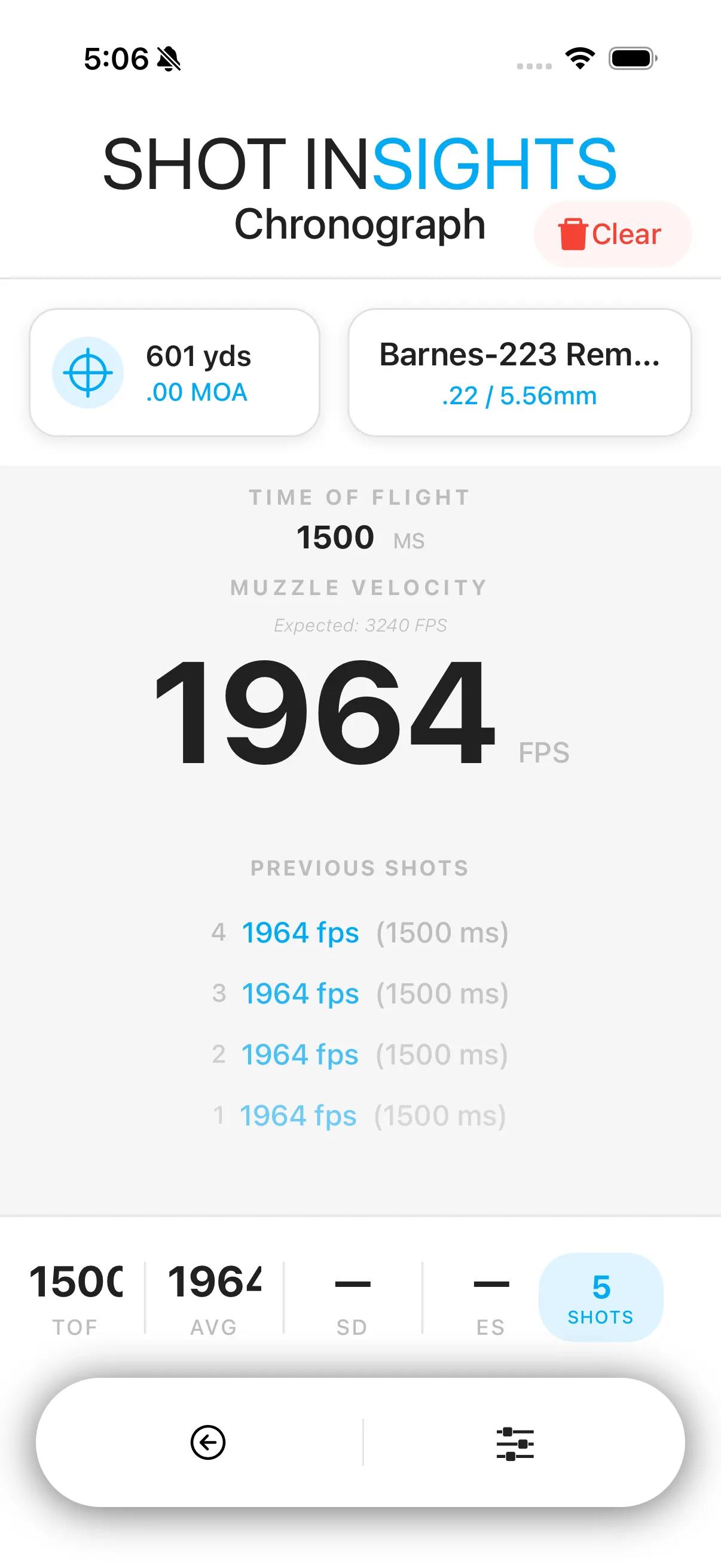
Chronograph helps you measure shot-to-shot velocity so you can understand how a load is performing. It summarizes muzzle velocity, extreme spread (ES), and standard deviation (SD) for the string you record.
Use Chronograph
Section titled “Use Chronograph”- Open Chronograph.
- Start a new string for the rifle and load you want to test.
- Record each shot in the string.
- Review the muzzle velocity, ES, and SD summary after the string is complete.
Why Chronograph matters
Section titled “Why Chronograph matters”- It helps you understand how consistent your load is.
- It gives you real velocity data to compare against your ballistic profile.
- It can help you decide when a profile needs updates or refinement.
- Shoot enough rounds to get a useful sample, not just one or two shots.
- Keep notes in Sessions so you can remember conditions and load details later.
- If you update your profile after testing, recheck your holds in QuickSight or QuickShot.
Help improve these docs
With your permission, we use Google Analytics cookies to understand which guides are useful. Analytics is optional. You can change your choice in Analytics preferences at any time. Privacy policy