

ShotCaller Device
ShotCaller helps you confirm impacts on target and keep that session tied to the rest of your Shot Insights workflow.
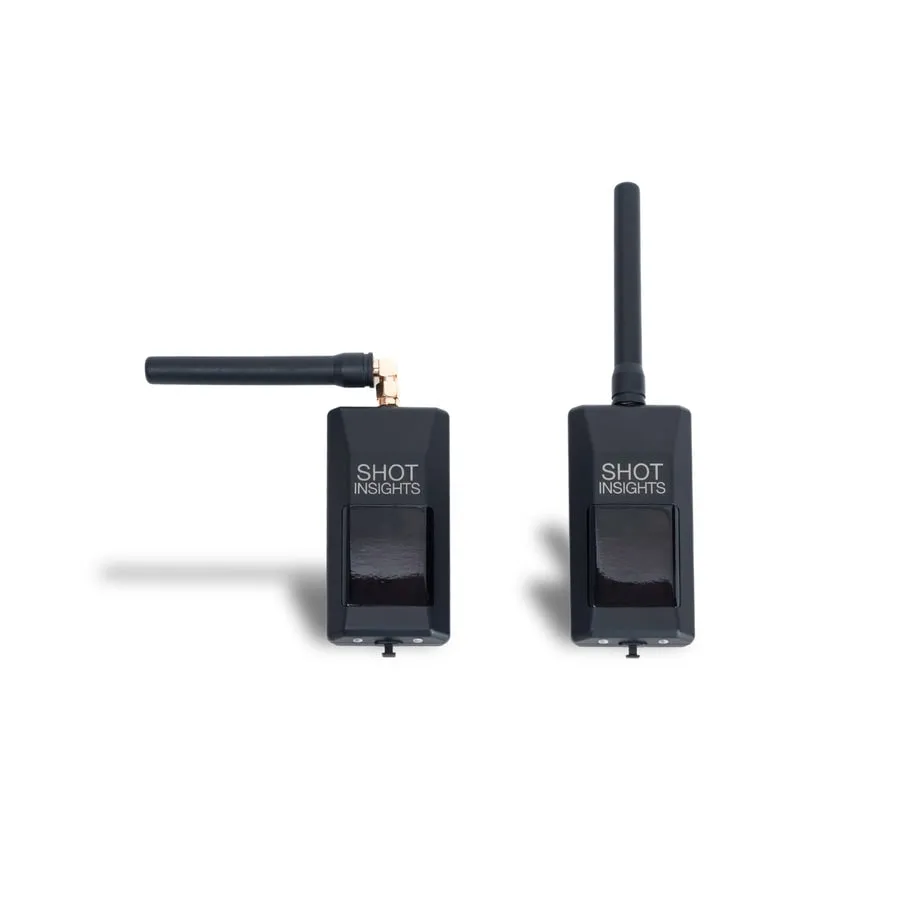
How the system fits together
Section titled “How the system fits together”- The target detects impacts where you place it downrange.
- The target connects wirelessly to the hub.
- The hub connects to your phone over Bluetooth.
- Your phone shows connection status, target details, and your recorded session.
- GPS is used to confirm distance for your setup.
Before your first session
Section titled “Before your first session”Follow the official ShotCaller quick start for the full setup path:
- Download the app.
- Create your account.
- Create a ballistic profile.
- Attach the target mount.
- Attach the hub device.
- Connect and adopt ShotCaller devices.
- Use Range.
- Review your session.
Start here
Section titled “Start here”- Use the full ShotCaller quick start for step-by-step setup.
- Learn what the LED status lights mean before you head to the range.
- Use troubleshooting if the hub or targets do not reconnect as expected.
Help improve these docs
With your permission, we use Google Analytics cookies to understand which guides are useful. Analytics is optional. You can change your choice in Analytics preferences at any time. Privacy policy